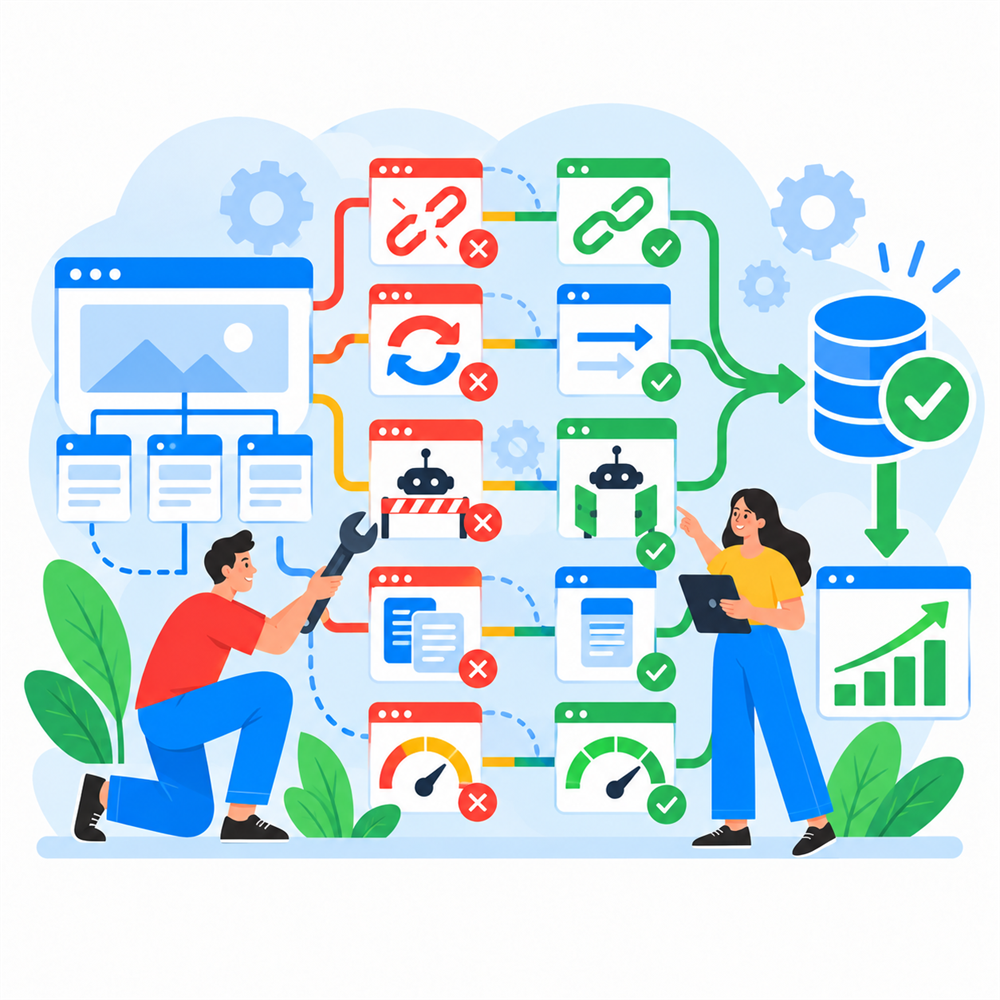
A WordPress website can publish useful content, look polished, and still make search engines work much harder than necessary. The problem is often not a missing SEO field. It is the technical system underneath the content: templates, taxonomies, internal links, redirects, canonical URLs, performance, and the rules that control what can be crawled and indexed.
Technical SEO is where search requirements meet implementation. Small configuration choices can multiply across thousands of URLs, which is why the quiet problems are often more important than the dramatic ones.
1. Important pages are difficult to discover
A page can exist in WordPress without being meaningfully connected to the rest of the site. If it has no useful internal links, sits deep in the architecture, or is accessible only through a search form, crawlers and users may struggle to find it.
I look at navigation, contextual links, related-content systems, category and taxonomy archives, breadcrumbs, pagination, and XML sitemaps. The goal is not to link every page from everywhere. It is to create a structure that reflects which pages matter and how topics relate.
2. WordPress generates more indexable URLs than expected
WordPress can create author archives, date archives, category pages, tag pages, media-related URLs, pagination, feeds, search-result pages, parameter variations, and custom taxonomy archives. Plugins and themes can add more.
These URLs are not automatically bad. The question is whether each indexable page has a useful purpose, distinct content, and a place in the site architecture. Thin or duplicated archives can waste crawl attention and make it harder to understand which page should appear for a topic.
A technical review should decide which archives should be improved, consolidated, redirected, canonicalized, or excluded from indexing. Disabling everything is not a strategy, but neither is allowing every generated URL to compete for attention.
3. Canonical signals disagree
Canonical tags help indicate the preferred URL for substantially similar pages. Problems arise when canonical tags, internal links, XML sitemaps, redirects, and actual page availability point in different directions.
For example, a sitemap may list one URL while the page canonicalizes to another, or internal links may repeatedly point through a redirect. Each individual issue may seem minor, but together they create an unclear set of signals.
I prefer consistency: link directly to the preferred URL, include that version in the sitemap, return the intended status code, and use a self-referencing canonical when appropriate.
4. Redirects accumulate into chains and loops
Redirects are essential during migrations, URL changes, and content consolidation. Over time, however, one redirect can point to another, which points to a third destination that may itself have changed.
Redirect chains add unnecessary requests and make maintenance harder. Loops prevent access entirely. Large collections of conflicting rules can also behave differently across WordPress, a redirection plugin, the web server, a CDN, and a hosting control panel.
The clean approach is to map old URLs directly to the final relevant destination, update internal links, remove obsolete rules carefully, and test both individual URLs and patterns.
5. Crawl directives block the wrong content
Robots directives can be applied through robots.txt, page-level meta tags, HTTP headers, plugin settings, and environment configuration. A staging rule copied to production or a template-level noindex setting can quietly remove important sections from search.
It is also important to distinguish crawling from indexing. Blocking a URL in robots.txt does not serve the same purpose as allowing it to be crawled and providing a noindex directive. The correct choice depends on what the page is, why it exists, and which signals search engines need to see.
6. Templates produce incomplete or inconsistent metadata
SEO plugins can provide useful controls, but the final output still depends on the theme, templates, content model, and custom code. Titles, descriptions, canonical tags, robots directives, Open Graph data, and structured data should be checked in the rendered page—not assumed correct because a settings screen looks complete.
Template rules deserve special attention on custom post types, taxonomies, filtered archives, paginated pages, and content assembled from Advanced Custom Fields or custom blocks.
7. Structured data does not match the visible page
Structured data should describe the content users can actually see. It should use the appropriate type, include valid properties, and avoid duplicating or contradicting schema generated by themes and plugins.
Custom JSON-LD can be valuable when the site has a specific content model or business requirement, but it should be generated from reliable source data. Hard-coded markup tends to drift out of date, especially when it has been copied between templates with enthusiasm but limited supervision.
8. Performance problems affect real page use
Performance is not only a score. A page that shifts while loading, responds slowly to interaction, or delays its main content creates a worse experience for visitors and can weaken the technical quality of the site.
On WordPress, the cause may be server response time, uncached page generation, large images, fonts, render-blocking resources, excessive JavaScript, third-party scripts, or plugins loading assets where they are not needed. Effective optimization starts by measuring the actual bottleneck rather than applying the same plugin configuration to every site.
9. Migrations change URLs without preserving signals
A redesign or platform migration can change page paths, taxonomy structures, templates, internal links, canonicals, structured data, and sitemap output at the same time. If search considerations are left until launch week, important decisions may already be built into the new system.
SEO-friendly migrations start with an inventory of existing URLs and performance. They map old pages to relevant new destinations, preserve valuable content, validate metadata and crawl rules before launch, and monitor the results afterward.
10. Fixes are made without validating the full system
Technical SEO changes can interact. Removing an archive may create broken internal links. Changing a canonical rule may affect several content types. Updating a permalink can trigger redirect behavior in more than one layer.
I approach these changes like development work: define the expected outcome, understand the templates and data involved, implement the change in the correct layer, test representative URLs, and monitor what happens after release.
A useful technical SEO audit should lead to action
A long list of warnings is not the same as a plan. Audit findings should be grouped by impact, confidence, effort, dependency, and ownership. The team should know which changes are urgent, which need investigation, which belong in development, and which are merely observations.
The strongest results come when SEO specialists and developers work from the same technical understanding. That prevents the familiar situation where SEO blames development, development blames the SEO plugin, and the wrong page remains indexed throughout the discussion.
If your WordPress site has indexing problems, migration risk, confusing URL behavior, or technical recommendations that need to become reliable code, I can help connect the audit findings to a practical implementation plan.